
 BYTESoftware & systems
 SPARKMarketing & social media
 PIXELCreative design
 NOVAAI solutions
 VISTABusiness solutions
 LINKCreative Hub · Join us
01 / 20Wedding calendar: hall and garden, month view
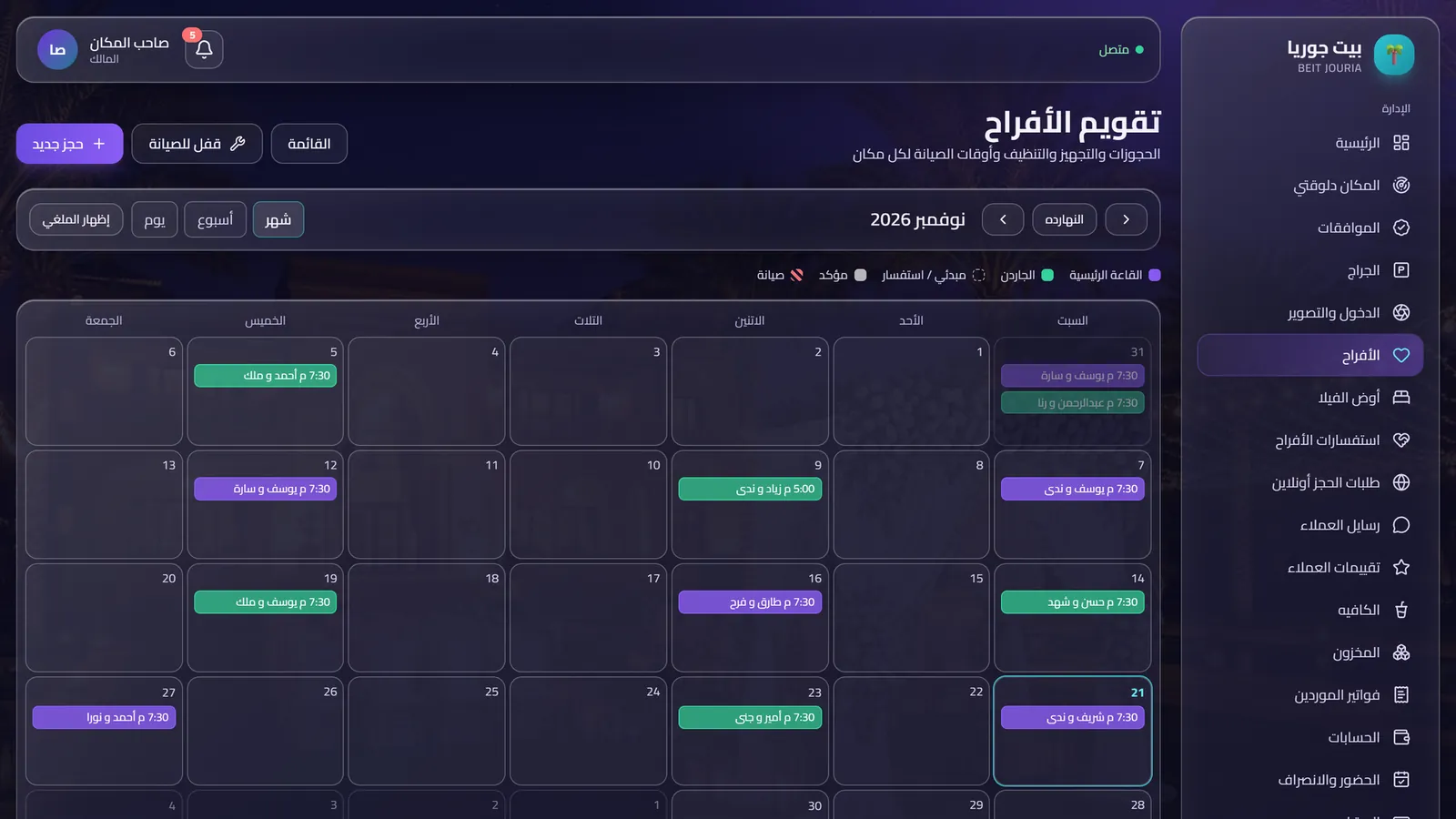
The month of weddings at a glance. Purple bars are the main hall and green ones the garden, and the database refuses two in one place at one time.

Client system · Beit Jouria · Wedding and event venue · Tanta, Egypt
Beit Jouria is a venue in Tanta with a paid car park, a wedding hall and garden, a photography area, a café and villa rooms. One Arabic system runs all five from staff phones and one owner dashboard.
Watch
Before
Beit Jouria earns money in five places on one site: a paid car park, a wedding hall and garden, a photography area with its own entrance, a café and villa rooms rented by the day.
The system was designed to fix what happens when each part takes money and keeps its own records: no single trusted view of the day's income, of who is holding cash, or of what each wedding still owes.
It was also designed so that wedding bookings, free parking for wedding families and photo sessions no longer depend on people remembering and calling each other.
What we built
LEENORA built one Arabic, right-to-left web system for the whole venue. It runs in the browser on Android phones at the gates, a tablet or PC at the café and office computers, and it can be installed to the home screen. There is no separate mobile app.
It has 29 sections: owner dashboard and live status, approvals, the Leenora AI assistant, parking and VIP passes, the photography entrance and villa rooms, the wedding hall gate, weddings with a couple's portal, wedding inquiries, online booking, the café till and menu, stock and purchasing, supplier bills, the finance ledger and cash shifts, reports, attendance and payroll, settings and the activity log.
11 staff roles use it, from the owner and general manager to gate staff, cashiers, the stock manager and the accountant. Couples use a private wedding portal, and customers can request a booking online.
In numbers
What's inside
40 features in 10 groups
Inside the project
20 screens, one at a time
The month of weddings at a glance. Purple bars are the main hall and green ones the garden, and the database refuses two in one place at one time.
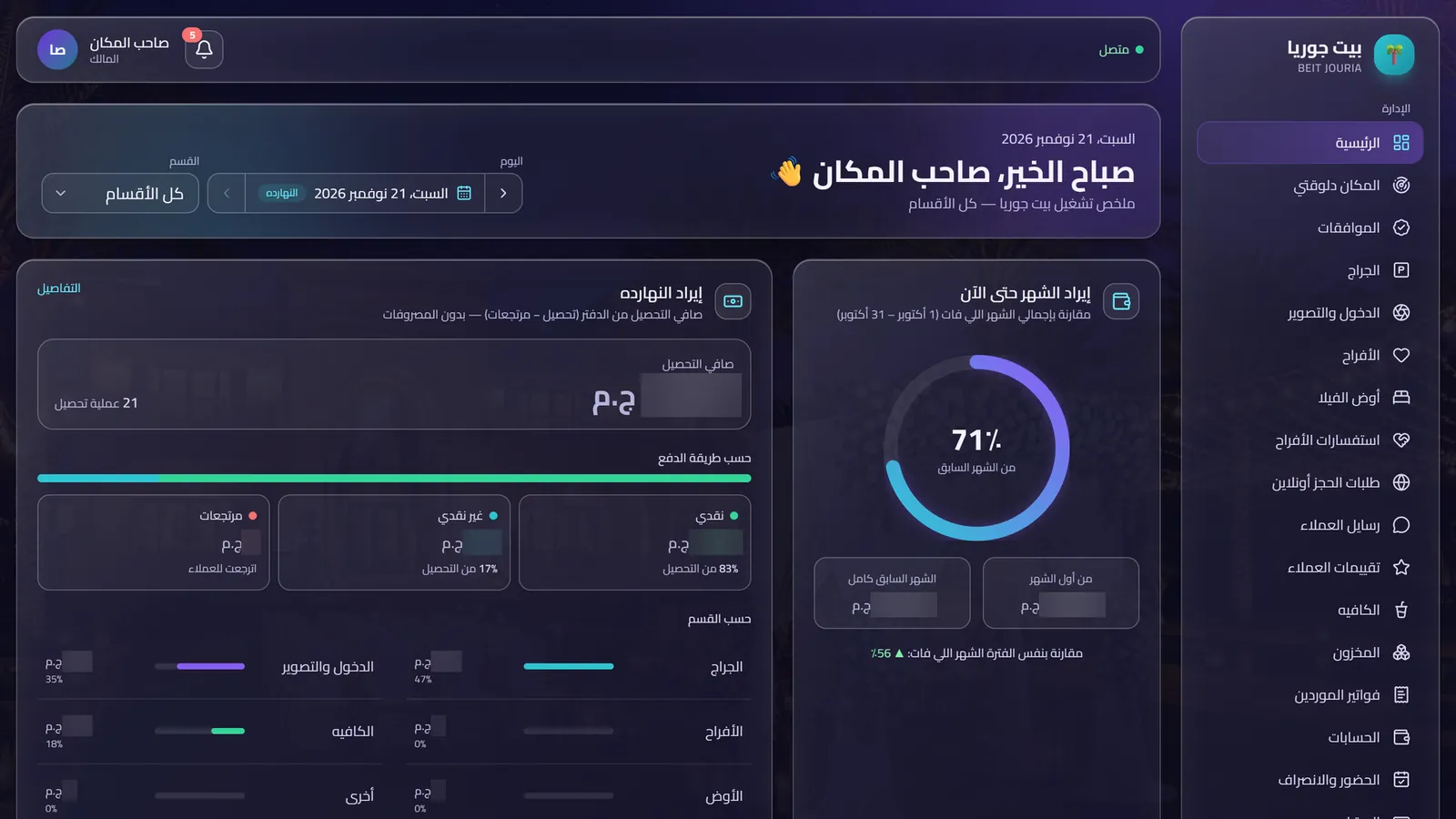
This is the owner's home page. Look at the ring on the right: it compares this month with last month, so I know where we stand before asking anyone.
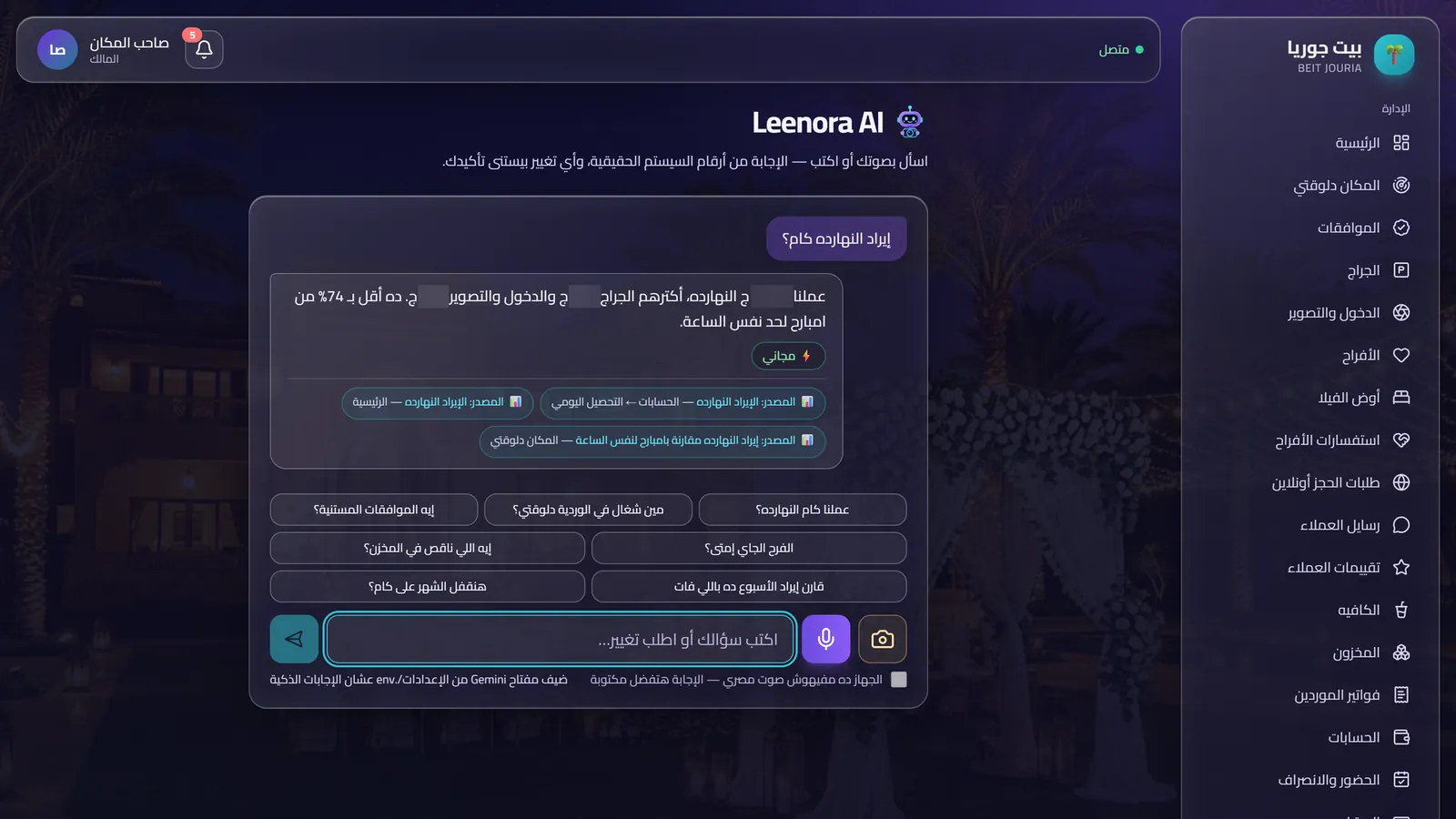
Here the owner asked how much came in today. See the blue chips under the answer: each one names the page the number came from.
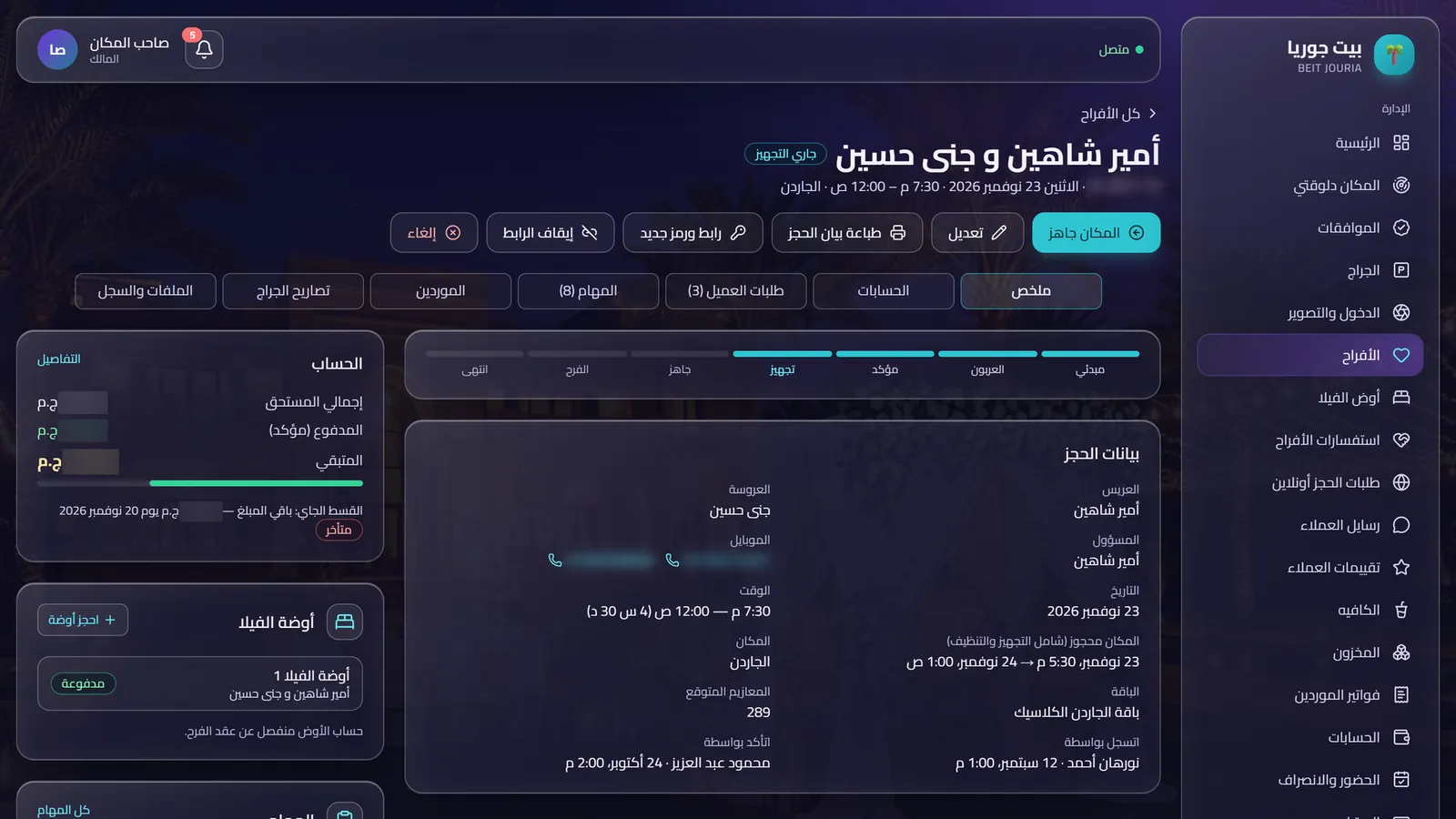
One wedding, one page. Follow the track across the top to see which stage this booking has reached, and use the tabs above it for requests, tasks and parking passes.
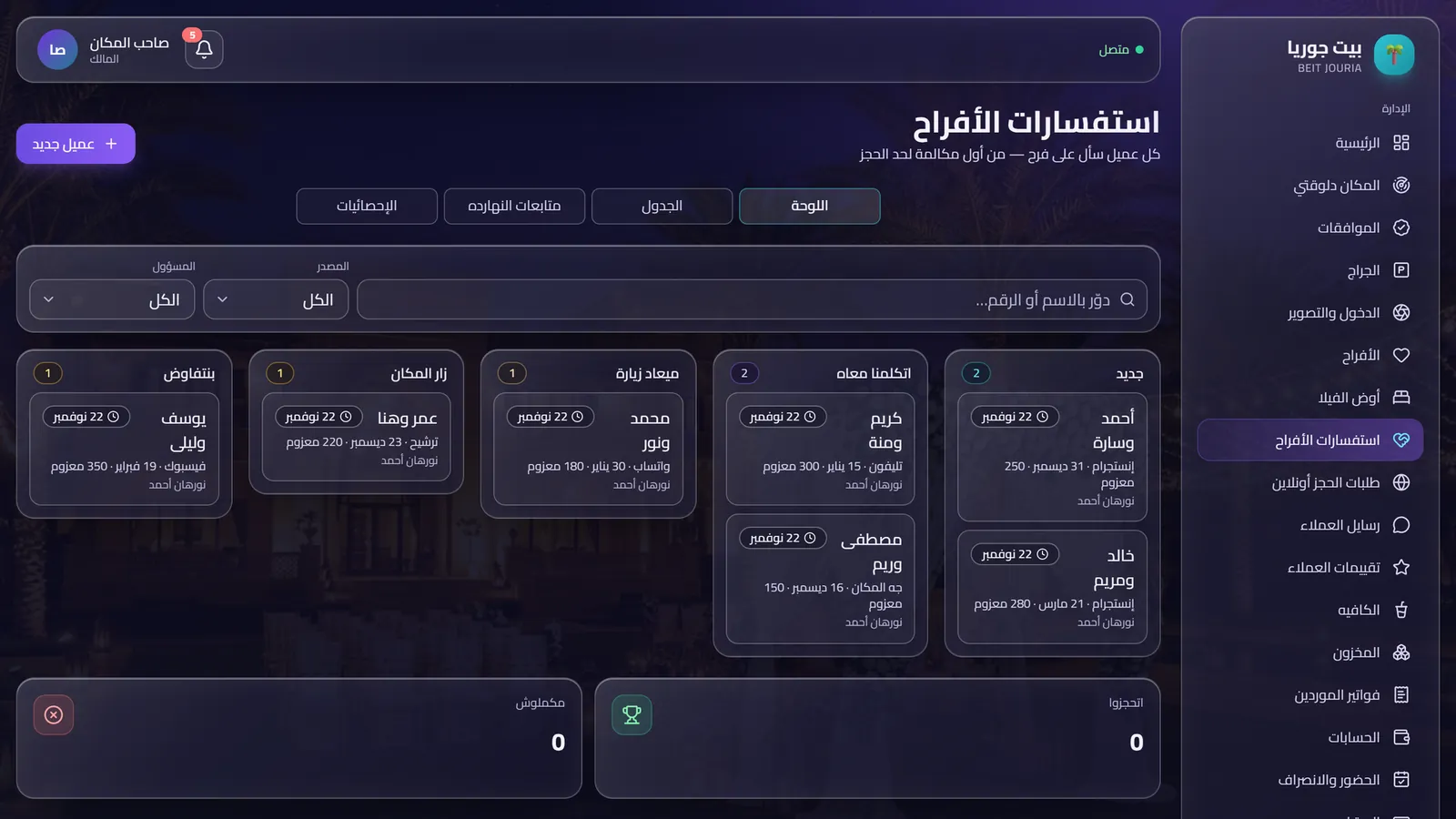
Every couple who asked about a date sits on this board. I read the columns from right to left, from new inquiry to negotiating, so no follow-up gets forgotten.
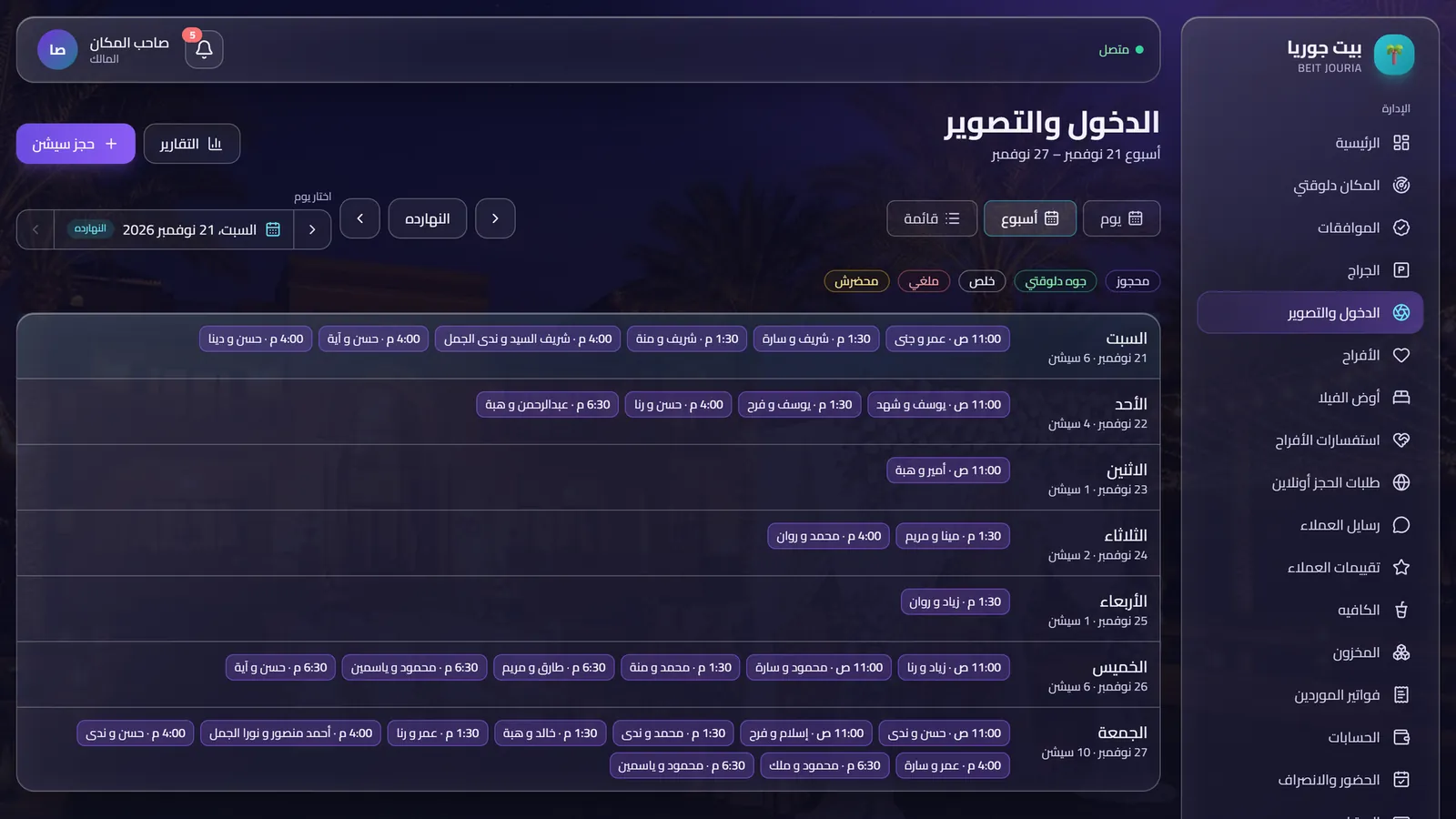
The week of photo sessions, one row per day. On the right of each row is the day's session count, so the entrance team knows how busy tomorrow is.
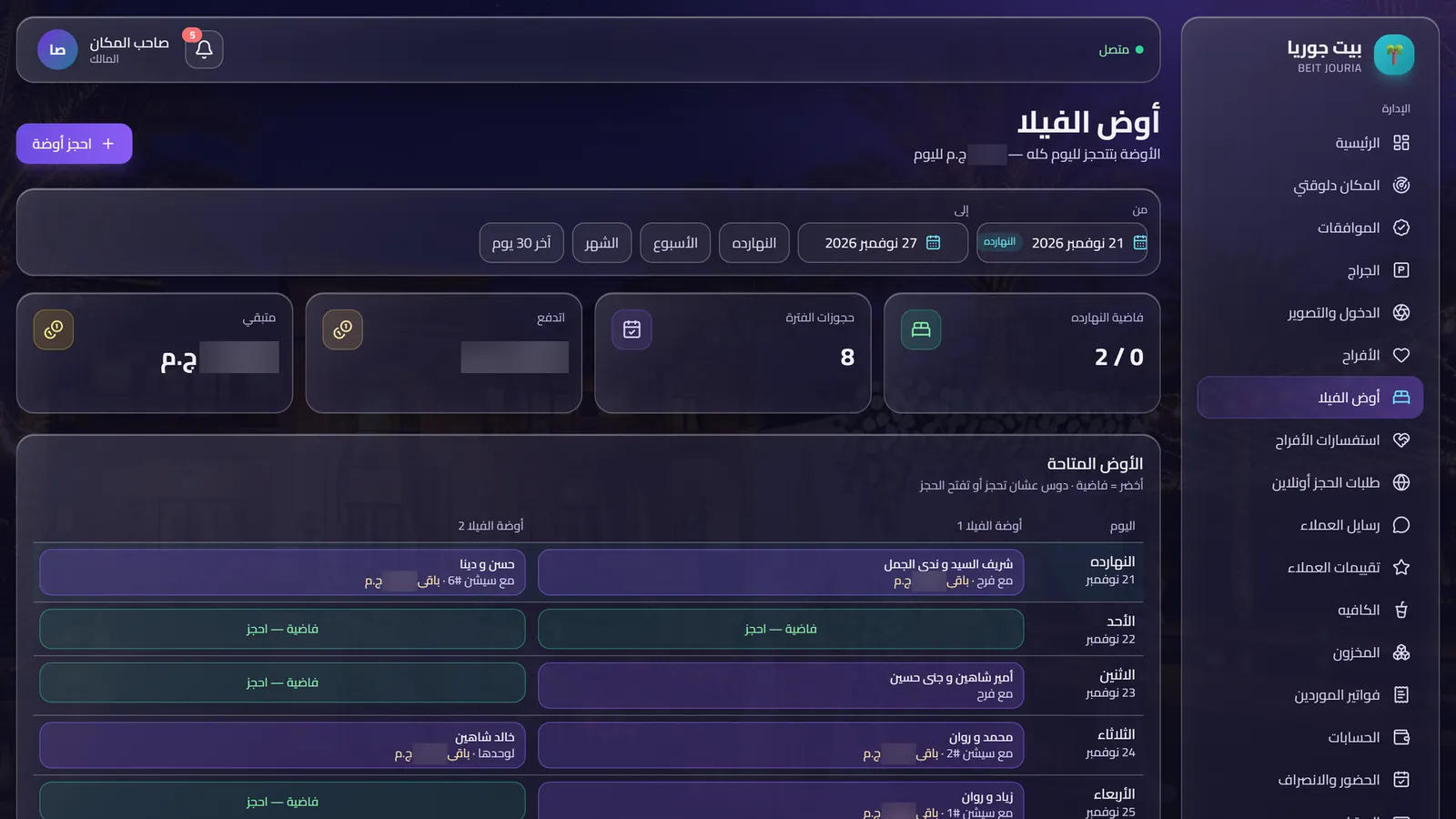
Two villa rooms, one row per day. Green cells are free and purple ones are booked, so nobody rents the same room twice.
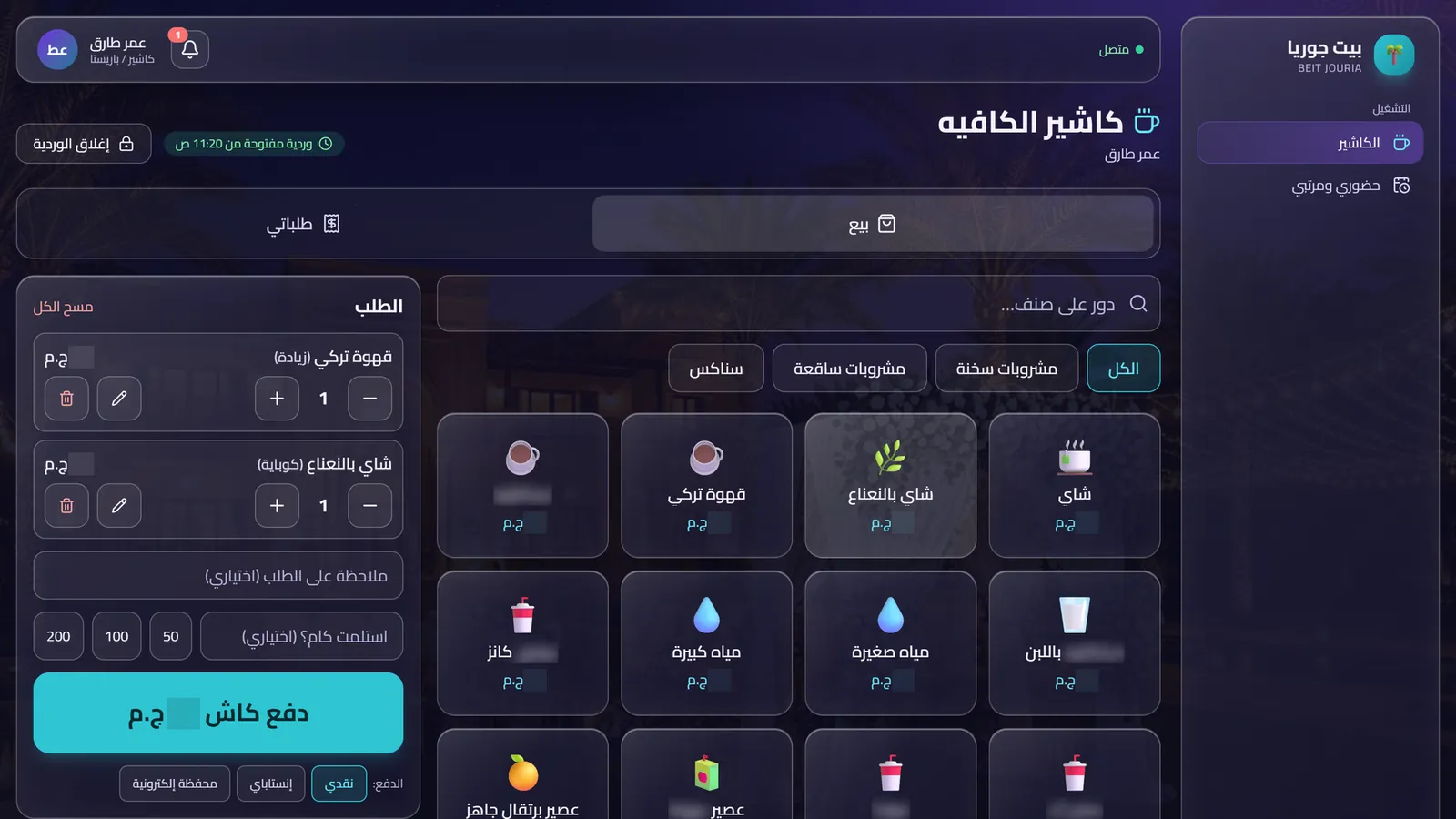
This is what the cashier sees. Tap a drink on the right, it lands in the order on the left, and the turquoise button at the bottom records the payment.
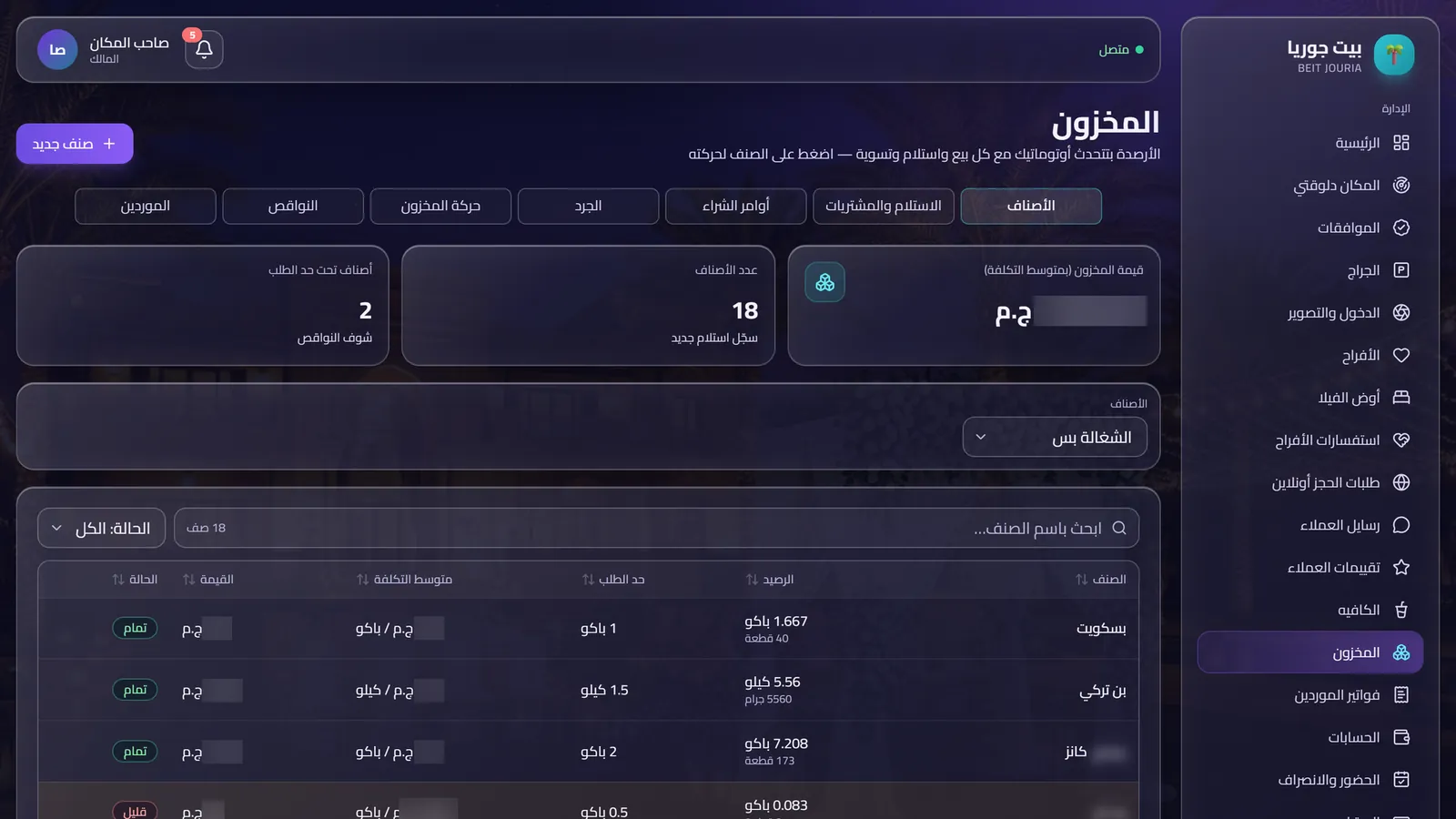
Stock moves with every café order. Check the card at the top left: it counts the items below their reorder level, before the shelf is empty.
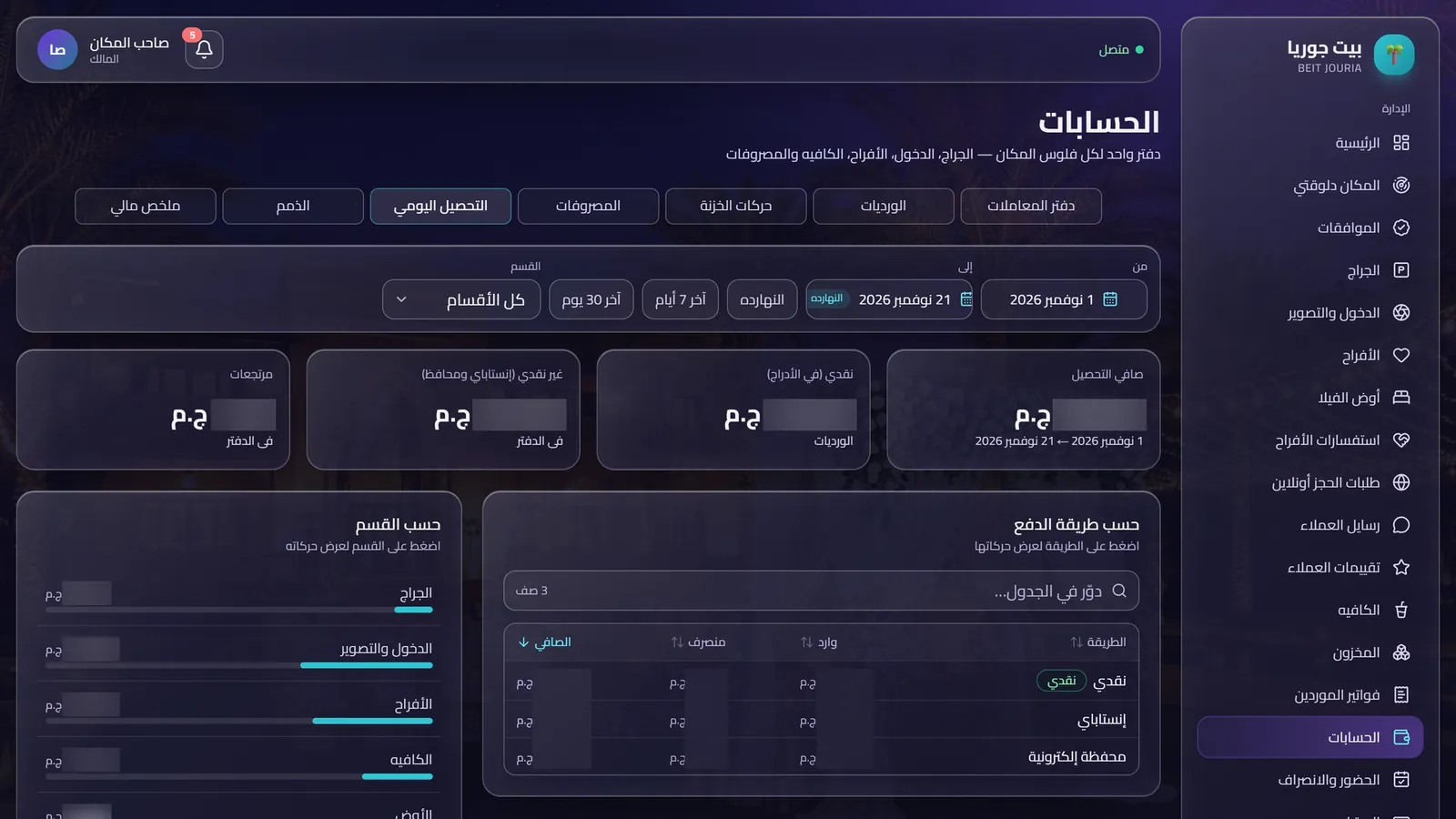
All five income streams land in this one ledger. The list on the left splits collections by department, and the table beside it splits them by payment method.
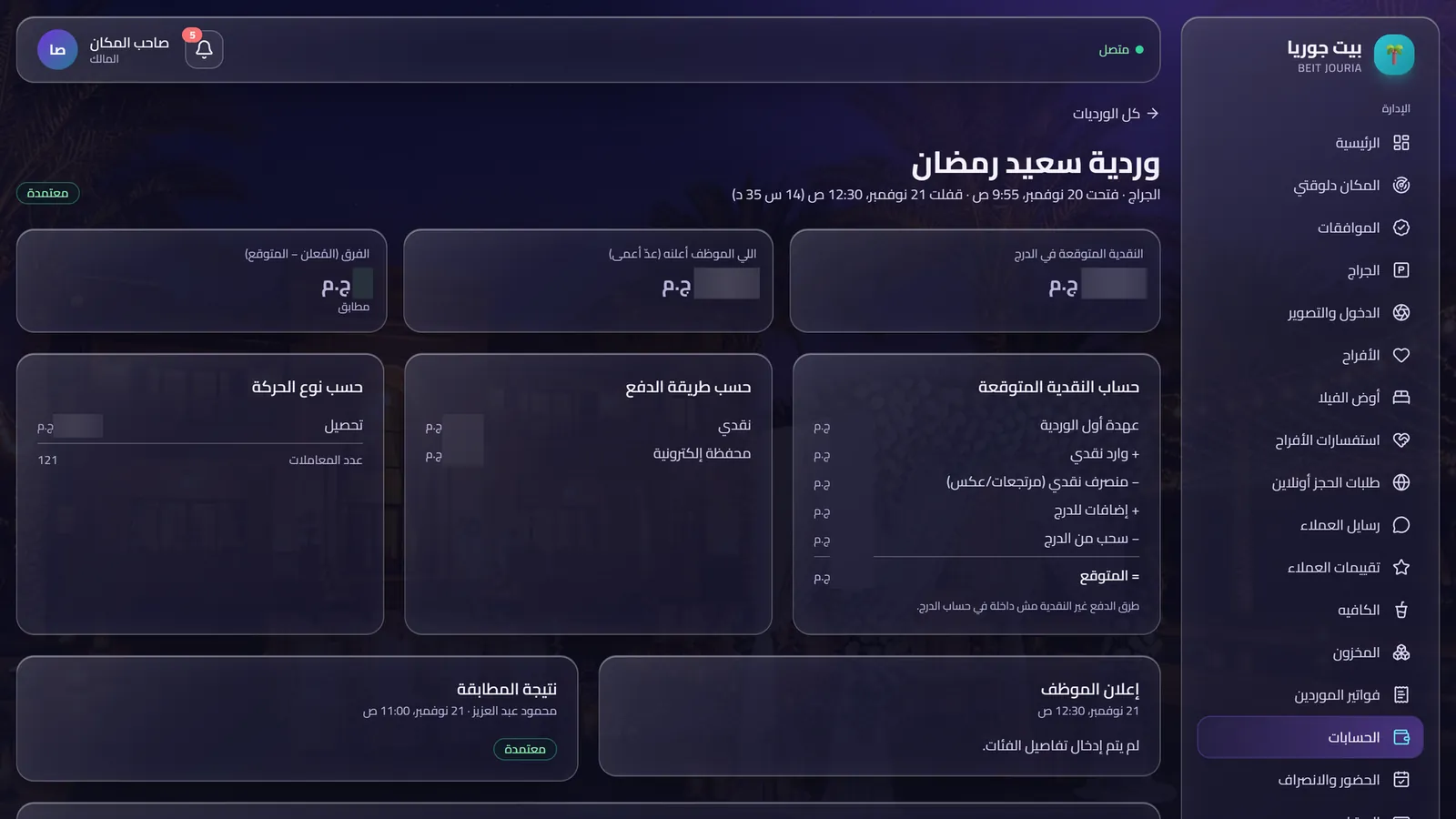
A closed shift from the parking gate. The three cards at the top show what the system expected, what the staff member counted blind, and the difference a manager approved.
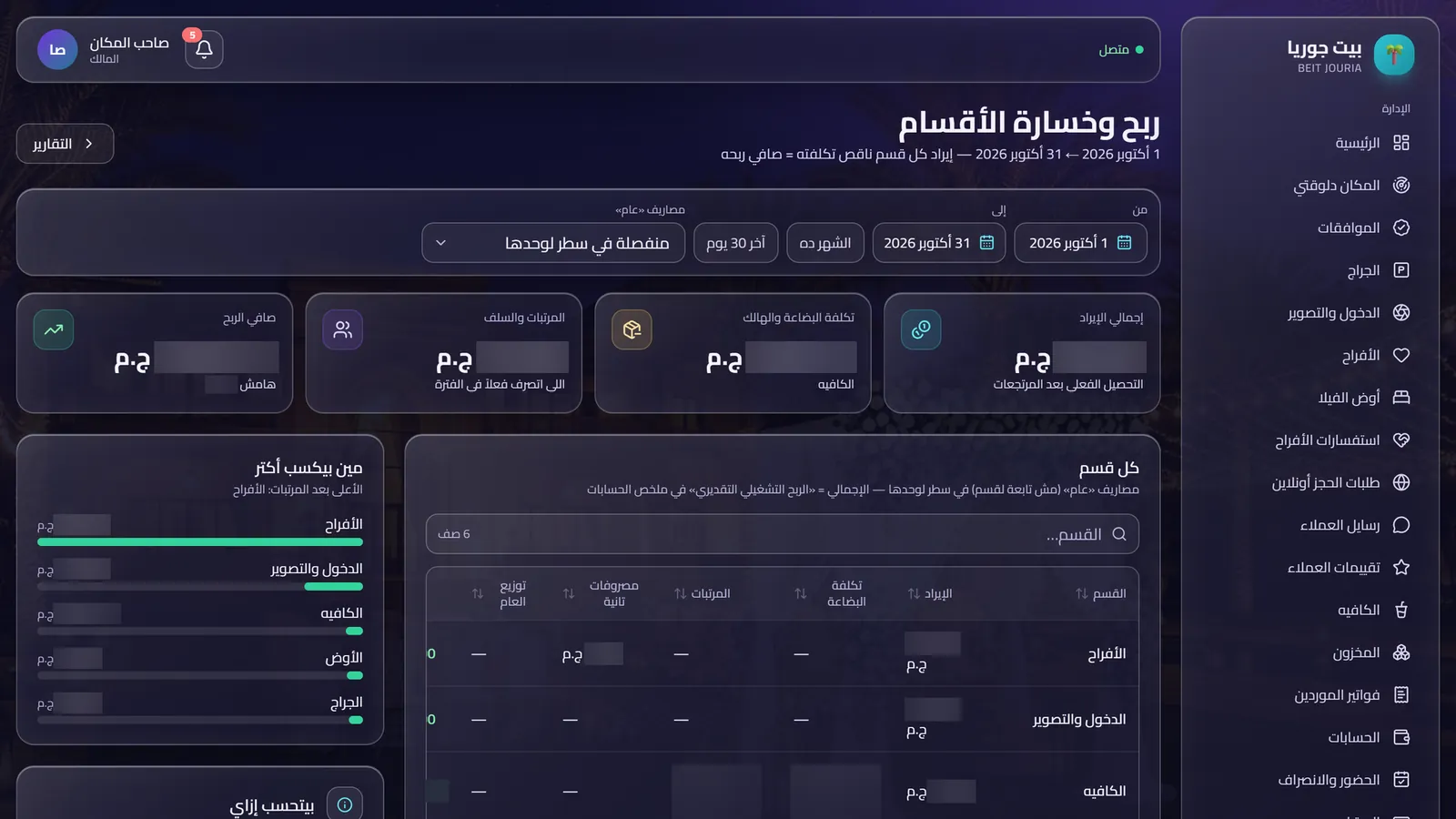
My favourite page: profit and loss for each department. The ranked list on the left shows which part of the venue earns the most after salaries.
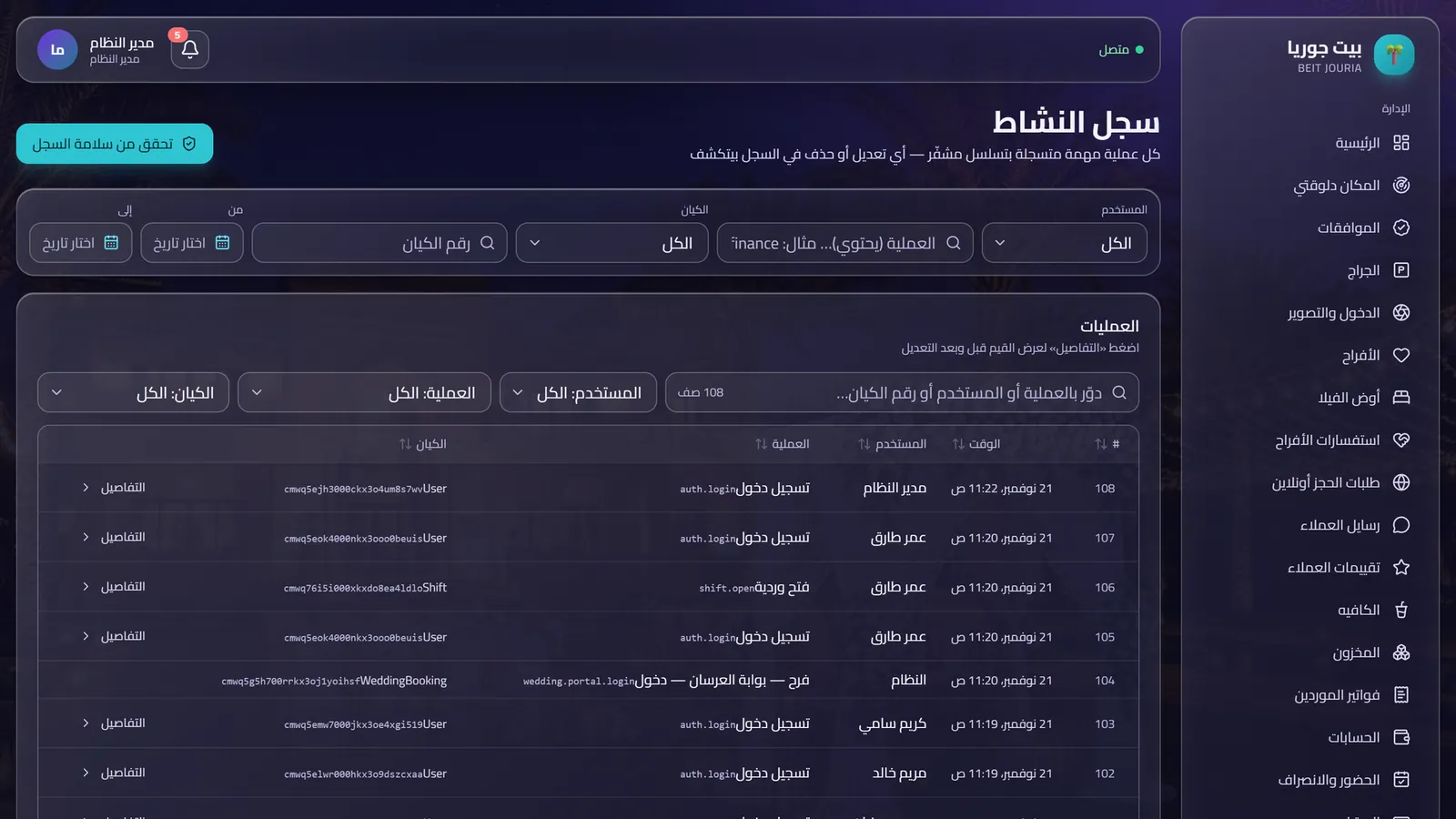
Every login and every change is a row here, with who and when. The turquoise button at the top left checks that nobody has edited the log.
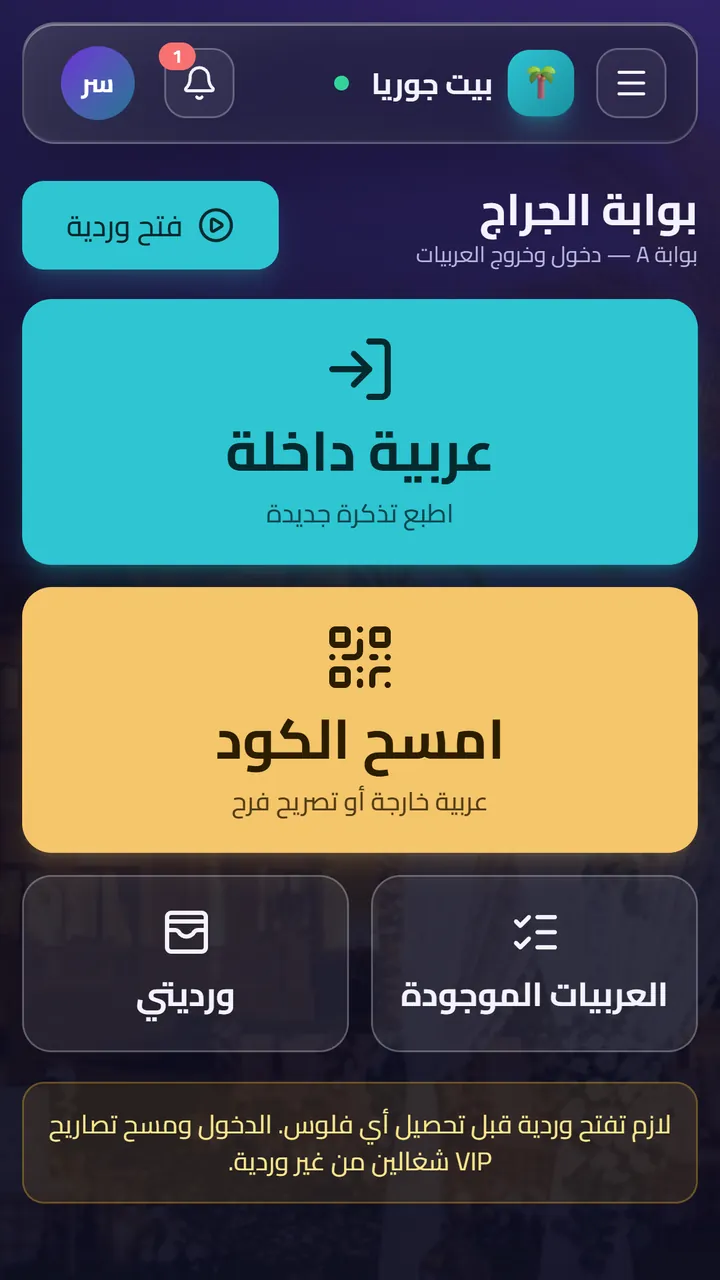
The parking gate on a phone. The big turquoise button registers a car coming in, and the yellow one below scans a ticket or a wedding pass.
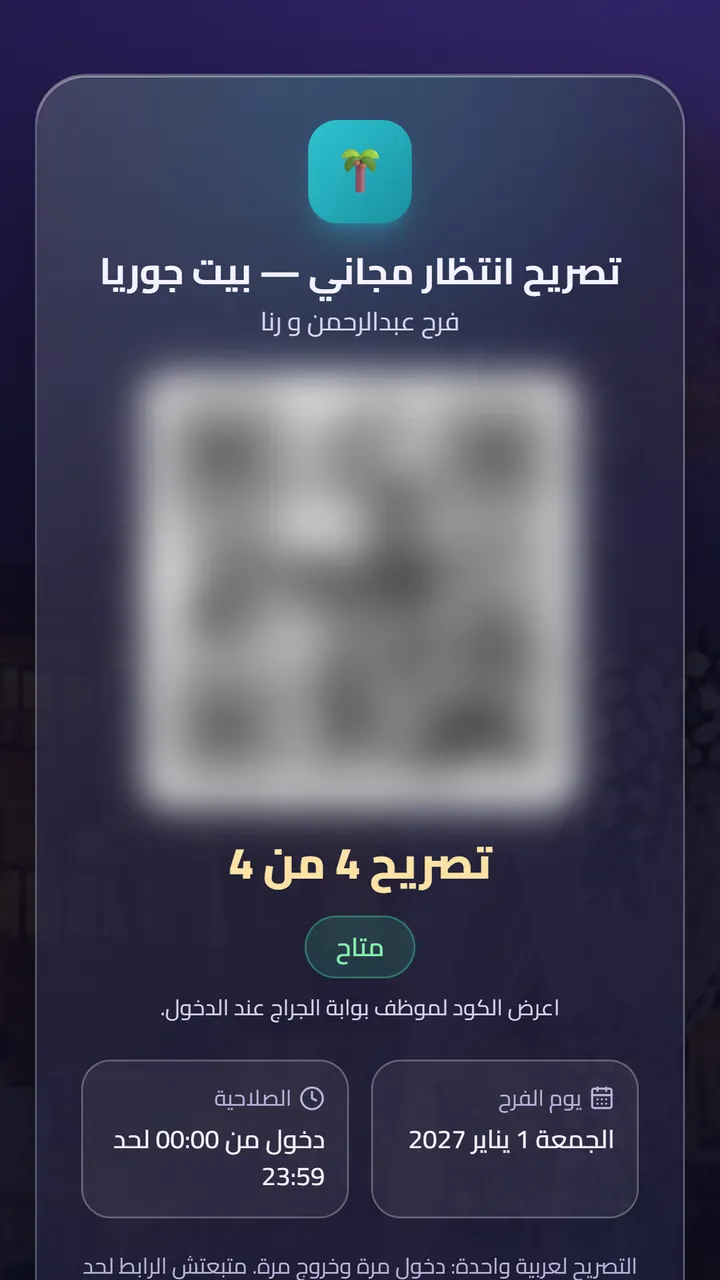
A wedding family's free parking pass. Under the code it reads pass 4 of 4, and the boxes below give the wedding day and valid hours.
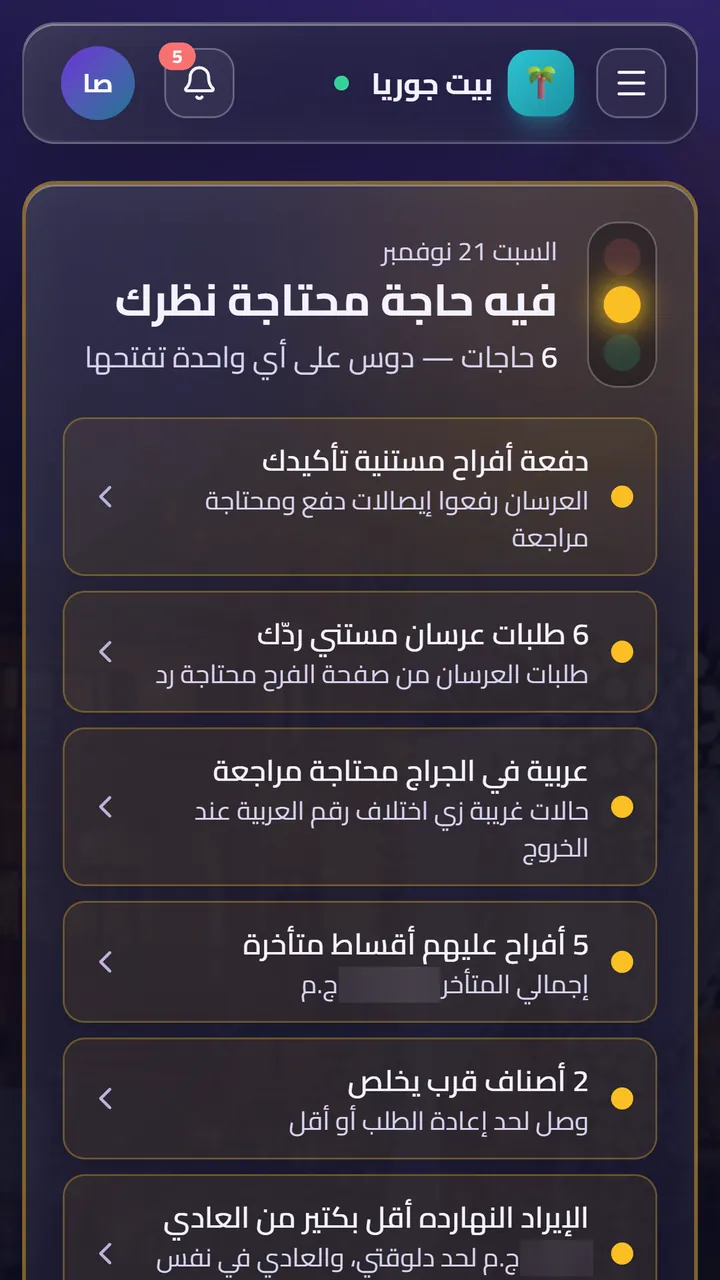
One glance at the traffic light in the top corner tells the owner how the venue is doing. Amber means the six items listed below need a look.
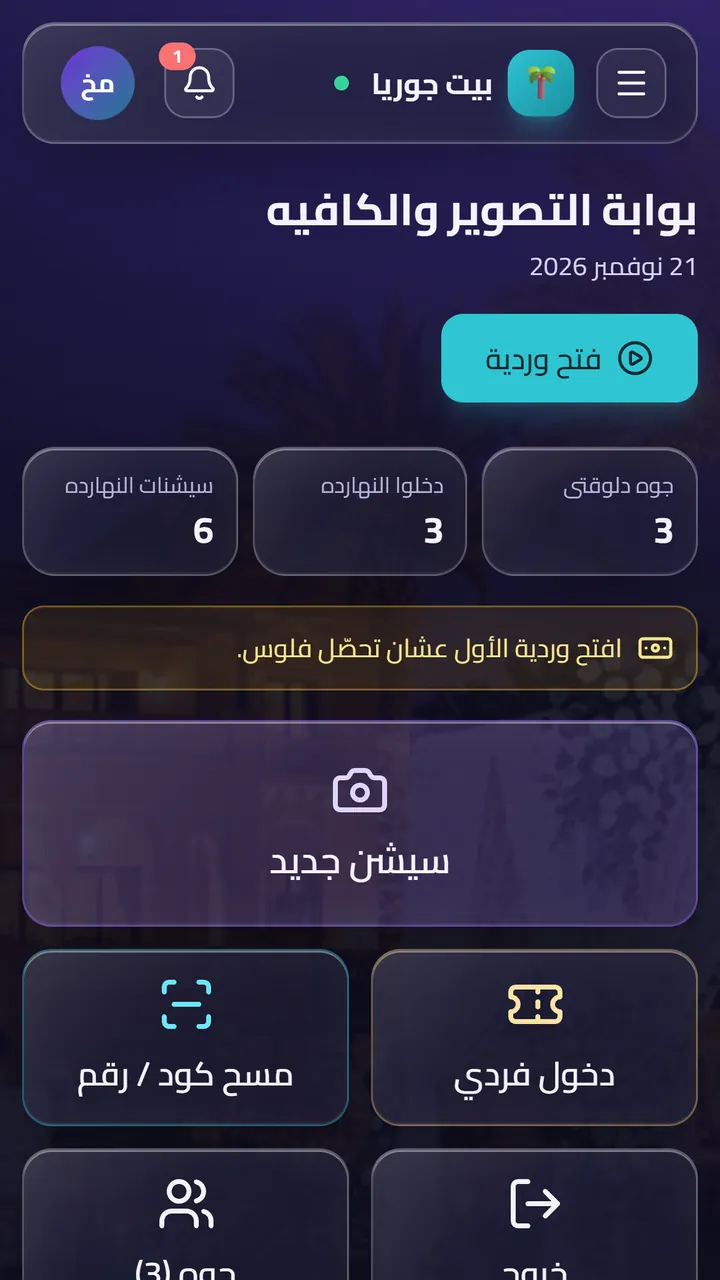
The photography gate. The three small counters at the top show who is inside now, entries today and sessions today, and the large button below starts a new session.
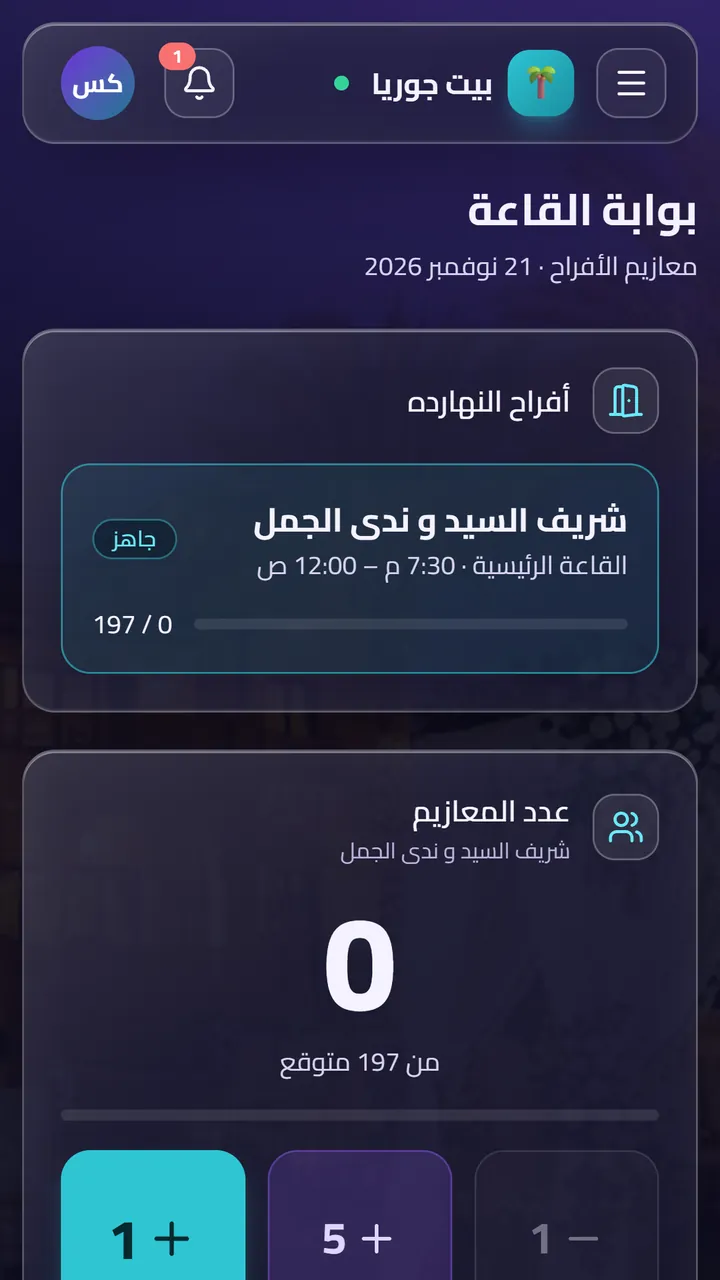
At the hall door, staff tap the turquoise plus one button at the bottom per guest. The large number in the middle is compared with the expected count below it.
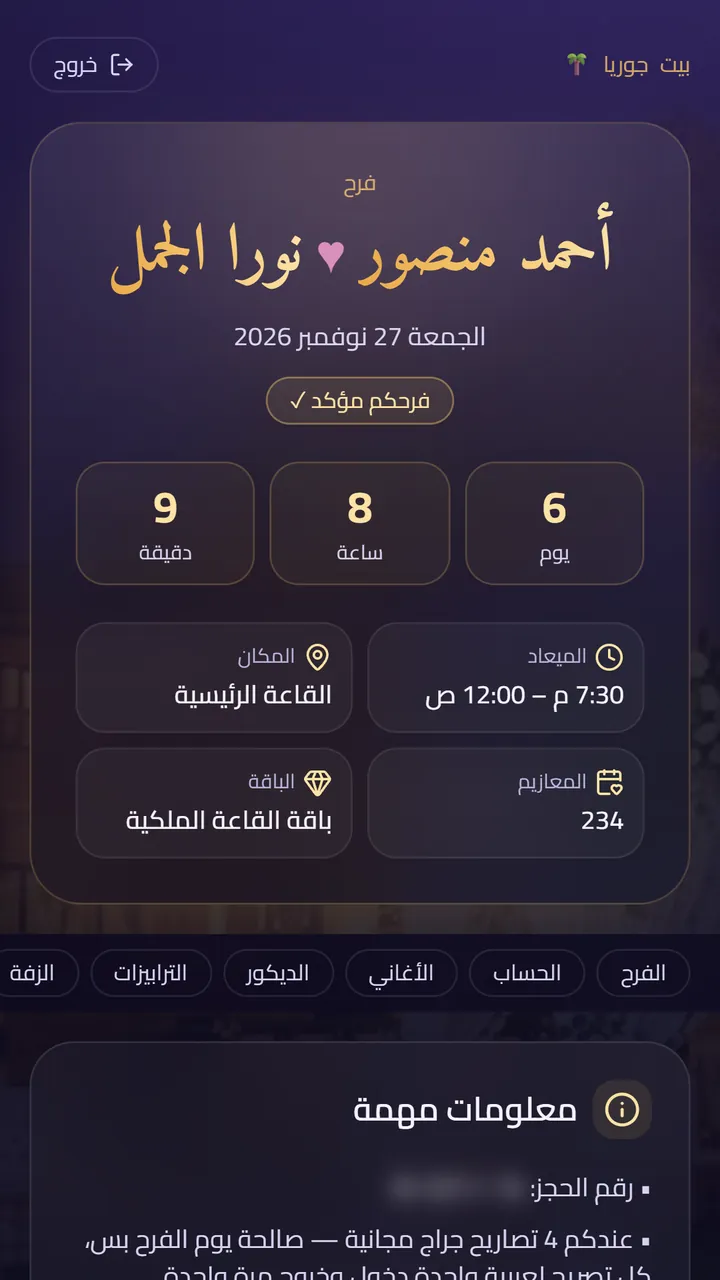
This is the couple's own page. The three boxes in the middle count down to the wedding, and the row of tabs below takes their songs, décor and requests.
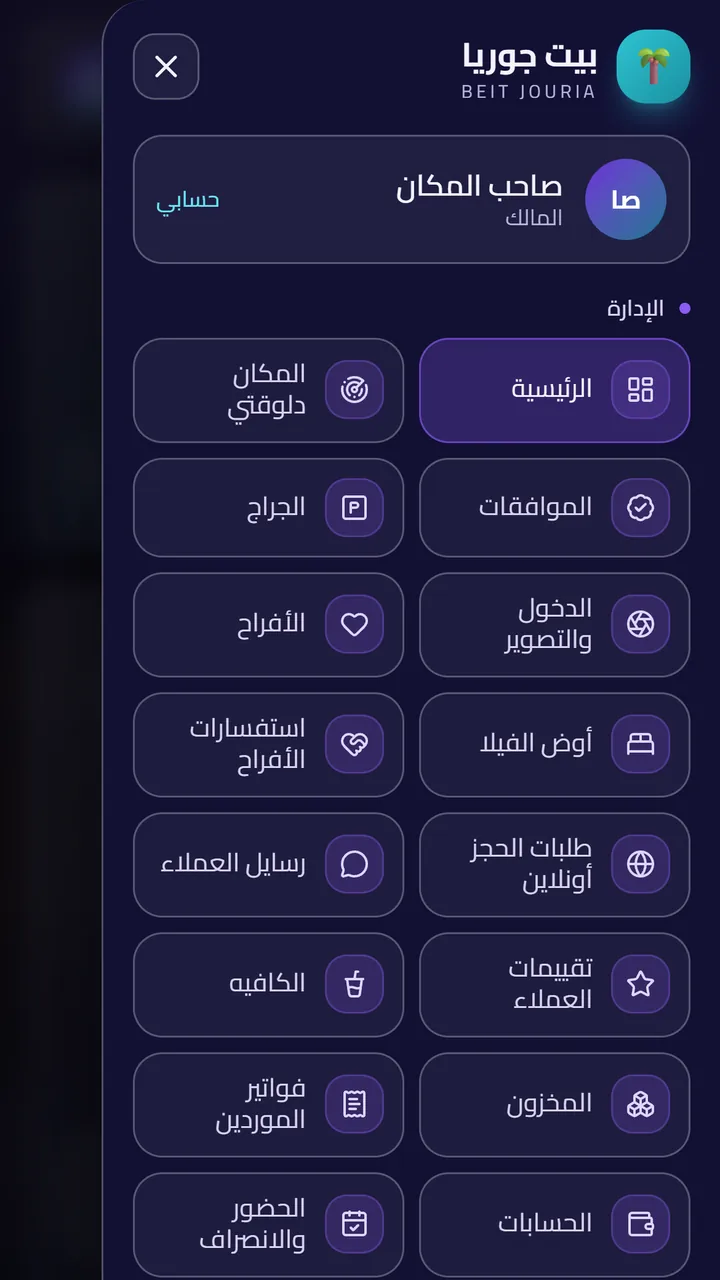
The whole system fits in this menu. Each tile is a section, and the card at the top shows who is signed in, because each role sees only its tiles.
Why it is not off the shelf
One system for a mixed venue: parking, weddings, photography, café and villa rooms share one ledger, one staff list and one owner dashboard, built around this venue's own rules.
Built against cash leakage: staff close their cash without seeing the expected total, a payment can be posted only once, and money records are reversed, never deleted.
An Arabic AI assistant that answers from the venue's own data with sources, and carries out operations only after the owner confirms.
Ready for your business
Wedding halls, event venues and resorts with more than one source of income can run on the same system, and LEENORA sets it up and customises it around each venue's own rules.